
4.6 KiB
Tailscale For Adventurer5M




Hi, so you must be just as crazy as I am. You found this after all. This is a guide on how to install tailscale on your Adventurer 5M (unsure if it will work on the AD5M Pro).
Manual Install
Installation Steps:
-
Go to the releases tab and get the latest release, its a .zip file don't download the repository archives.
-
Load the zip file onto an empty usb of really any size that will fix it formatted to FAT32 unzip the file so that it is in the root of the usb should look like this:
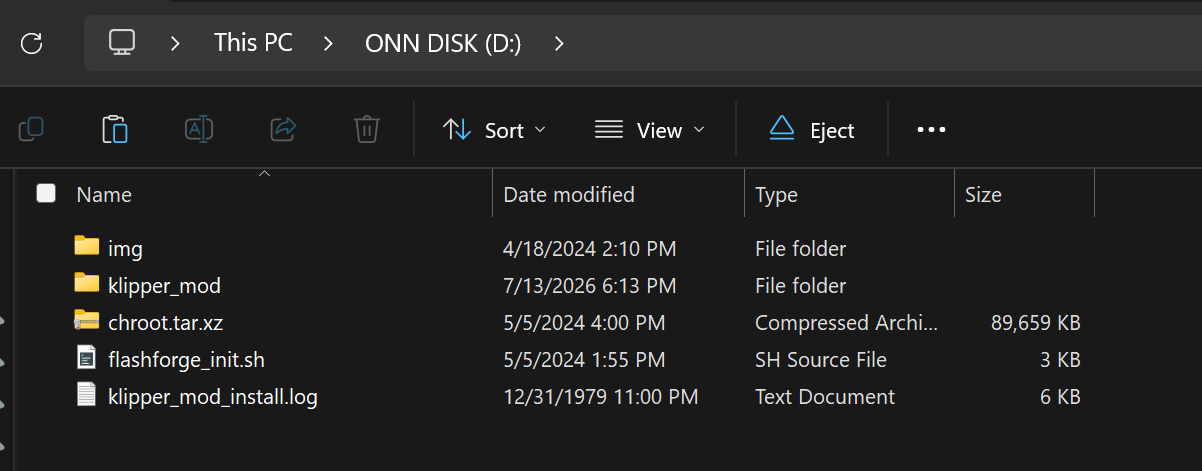
-
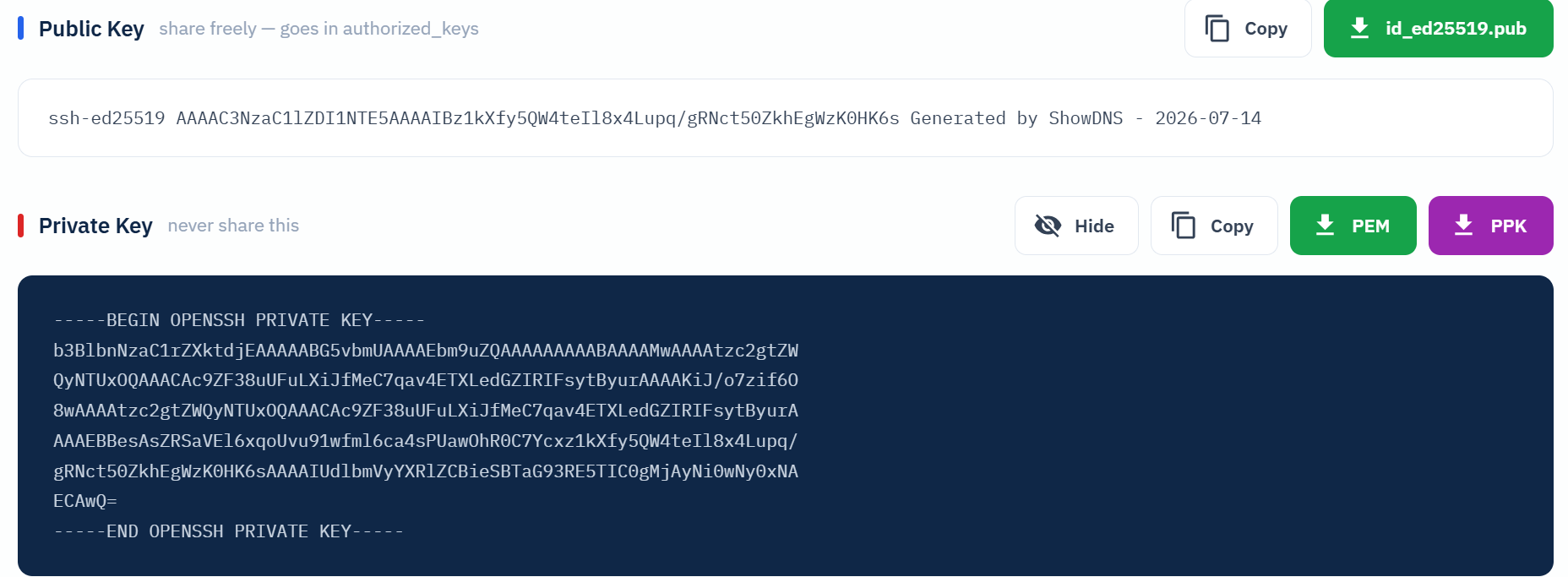
You need to edit the ssh public key! You can open it with notepad/vim/nano and its located in
klipper_mod/root/.ssh/authorized_keysI have my own key set but you can generate one at https://showdns.net/ssh-key-generator Or via powershell/bash if you know how to -
After you have done that delete the original .zip file and you can then eject your usb and put it in the usb slot of your Flashforge AD5M located near the display. Then just Simply Reboot your printer wait for the install you should see this:
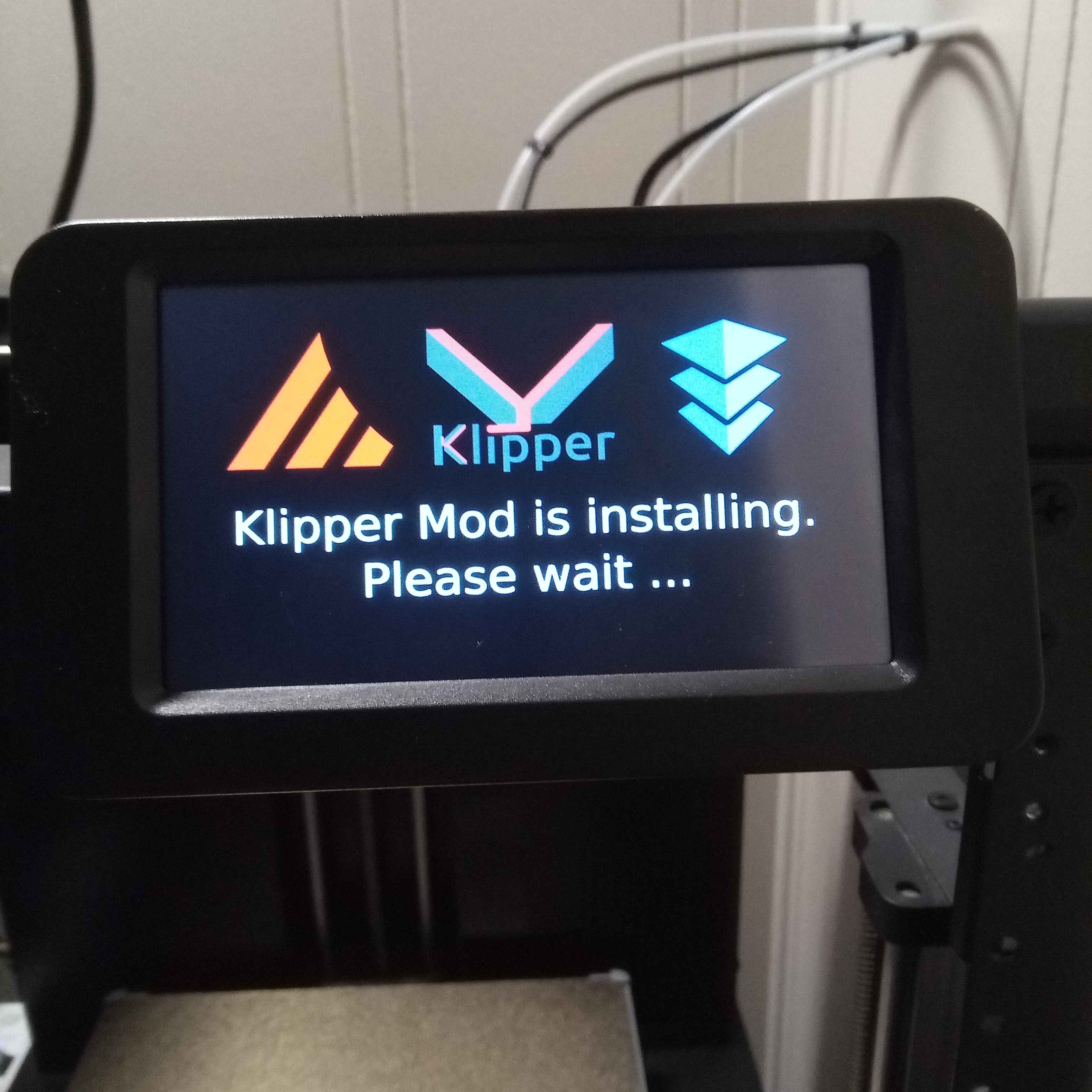
-
When it changes to this:
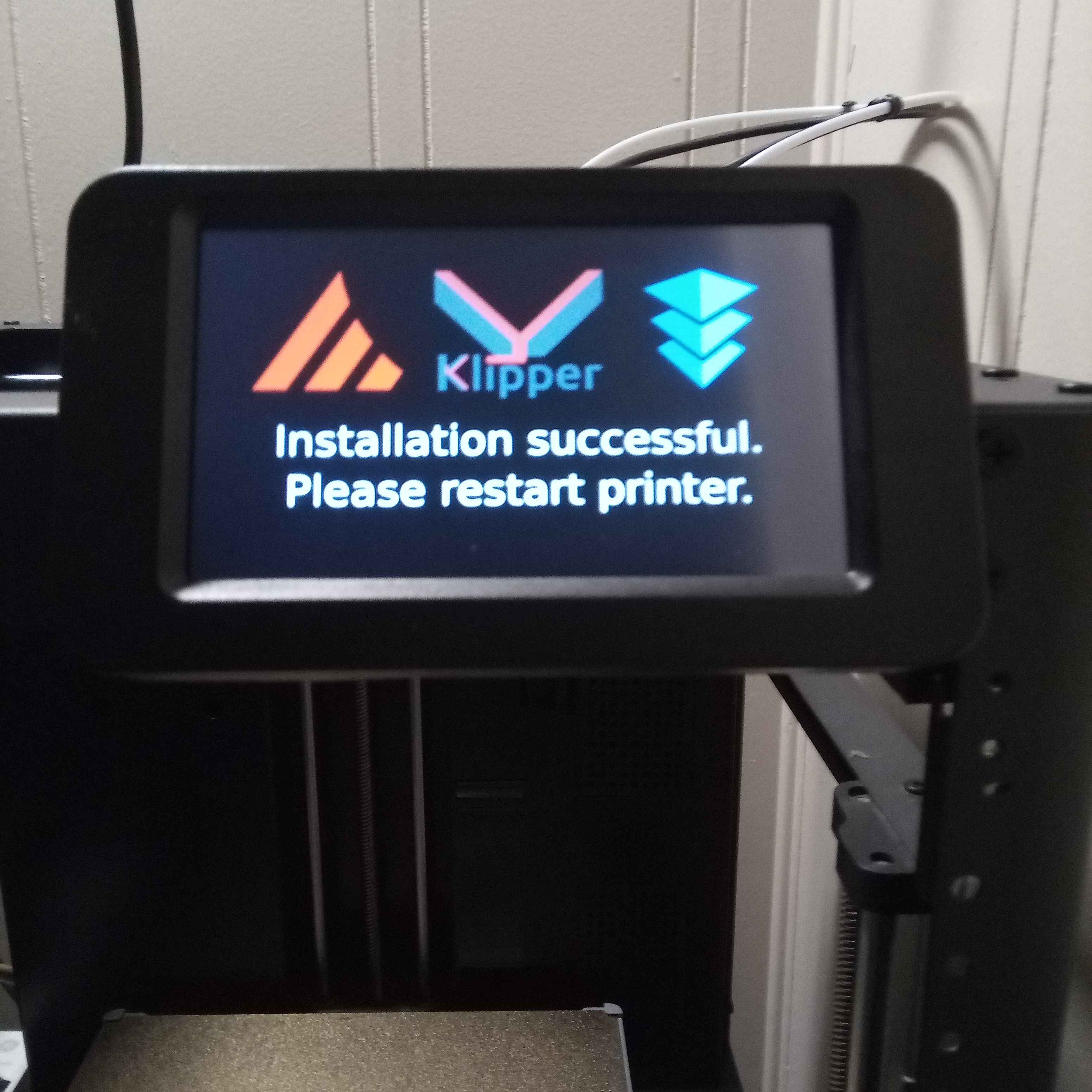 and chimes you can take out the usb and restart the printer
 -
Now you need to connect your device to wifi, if you know how to do this skip to step 9.
-
First navigate to more
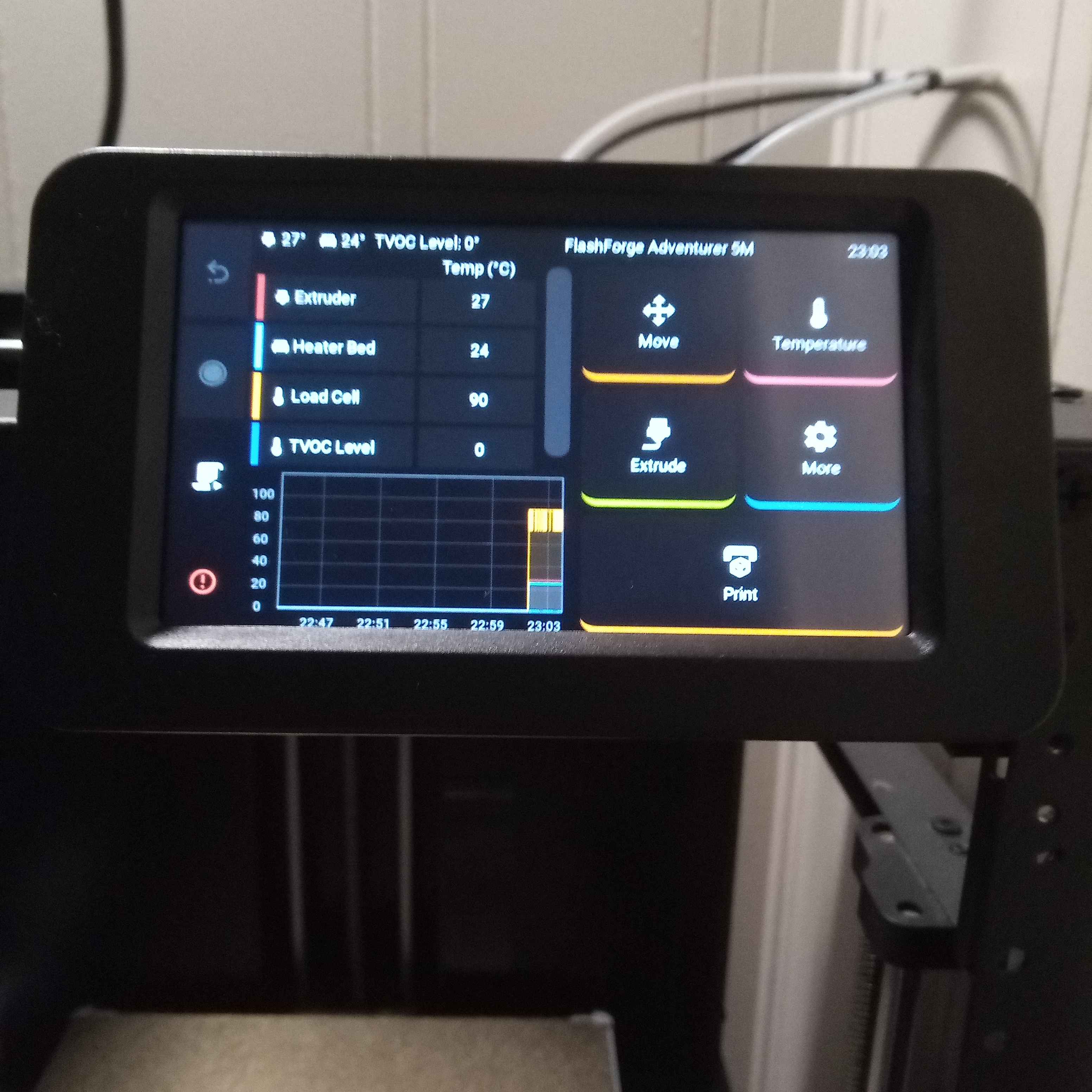 Then to wifi and find your network and sign in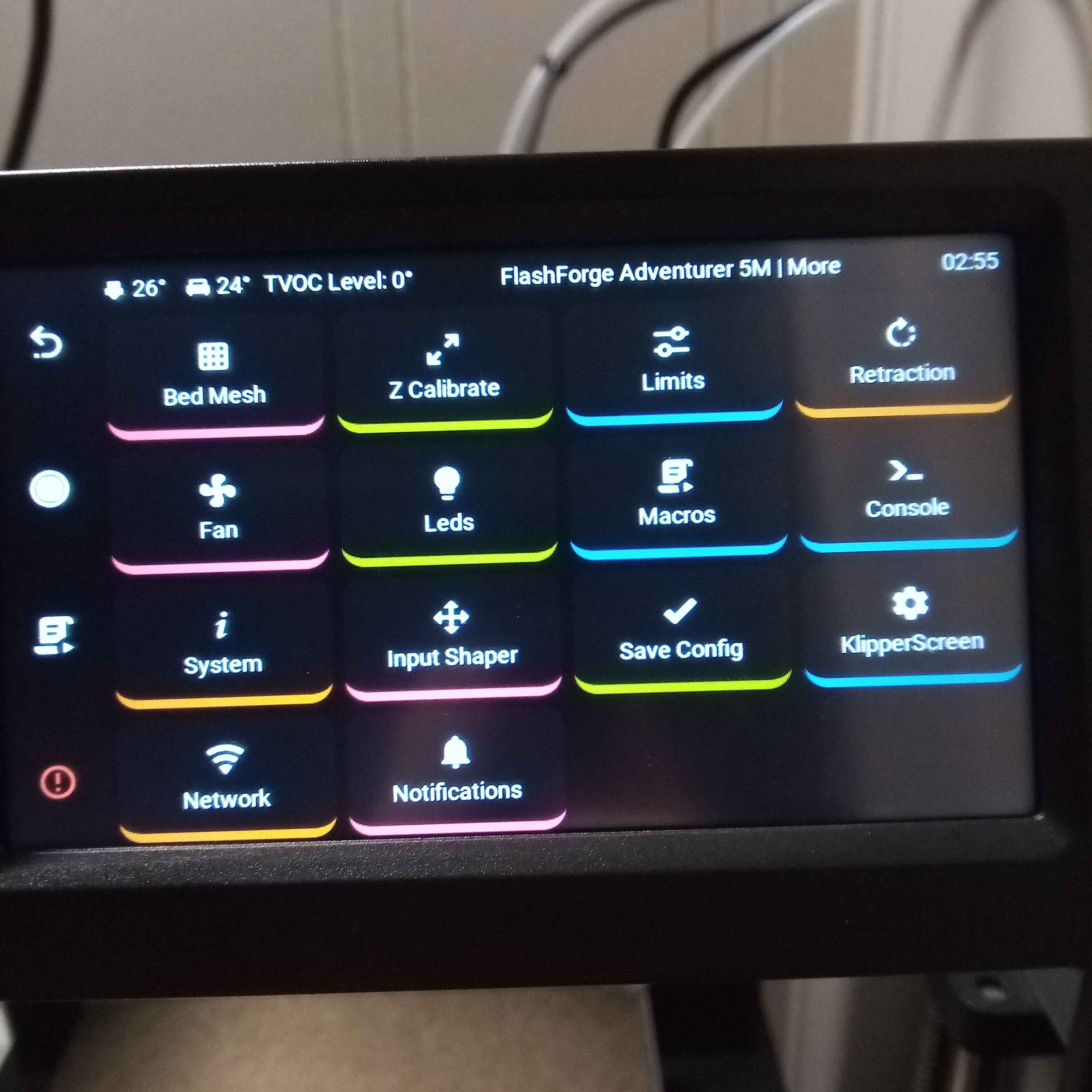
-
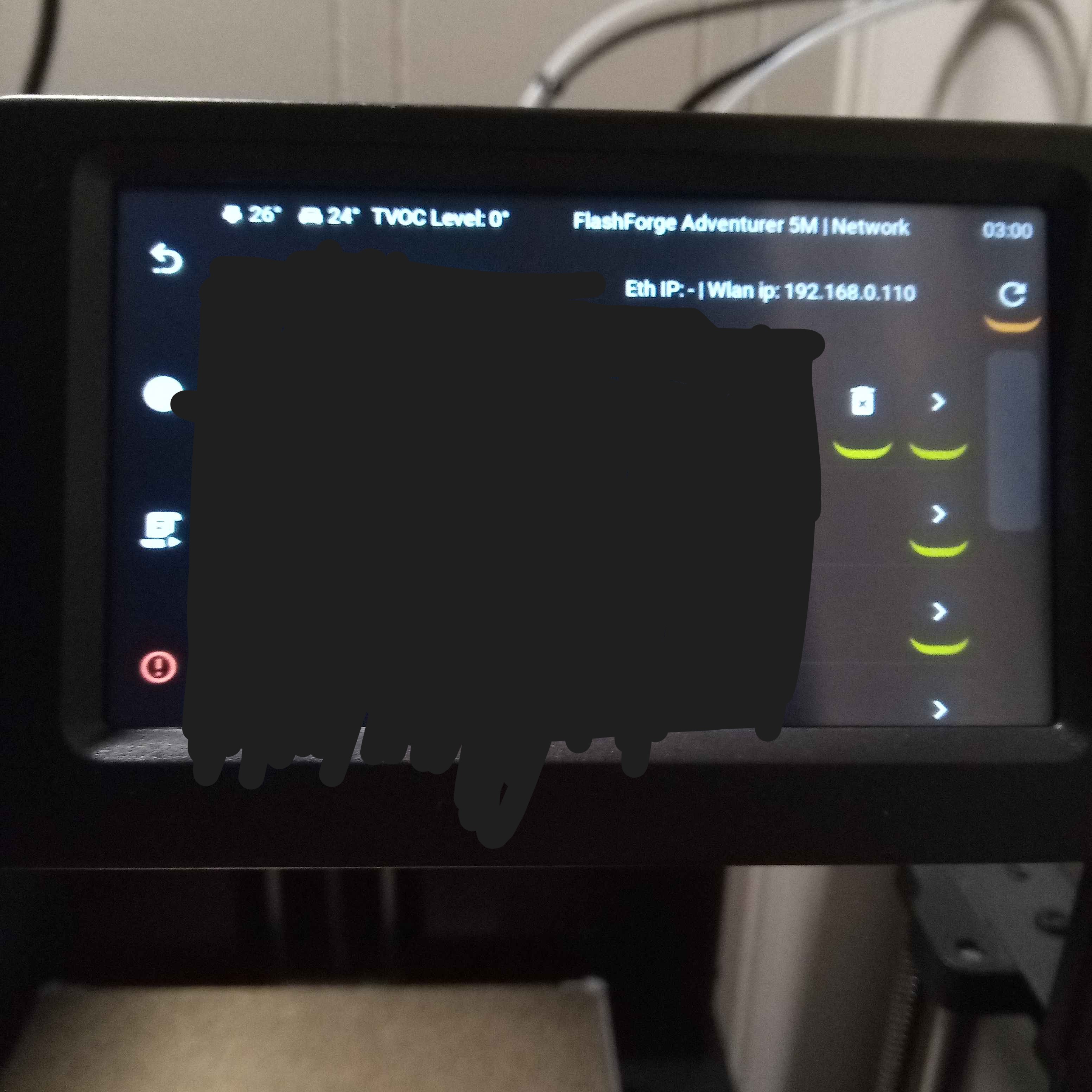
Grab the wlan ip, its 192.168.0.110 for me keep it for later
-
Get an ssh client such as putty, kitty or termius. I will be using termius as it is by far the easiest and most user friendly
-
Grab that ssh private key you made earlier
-
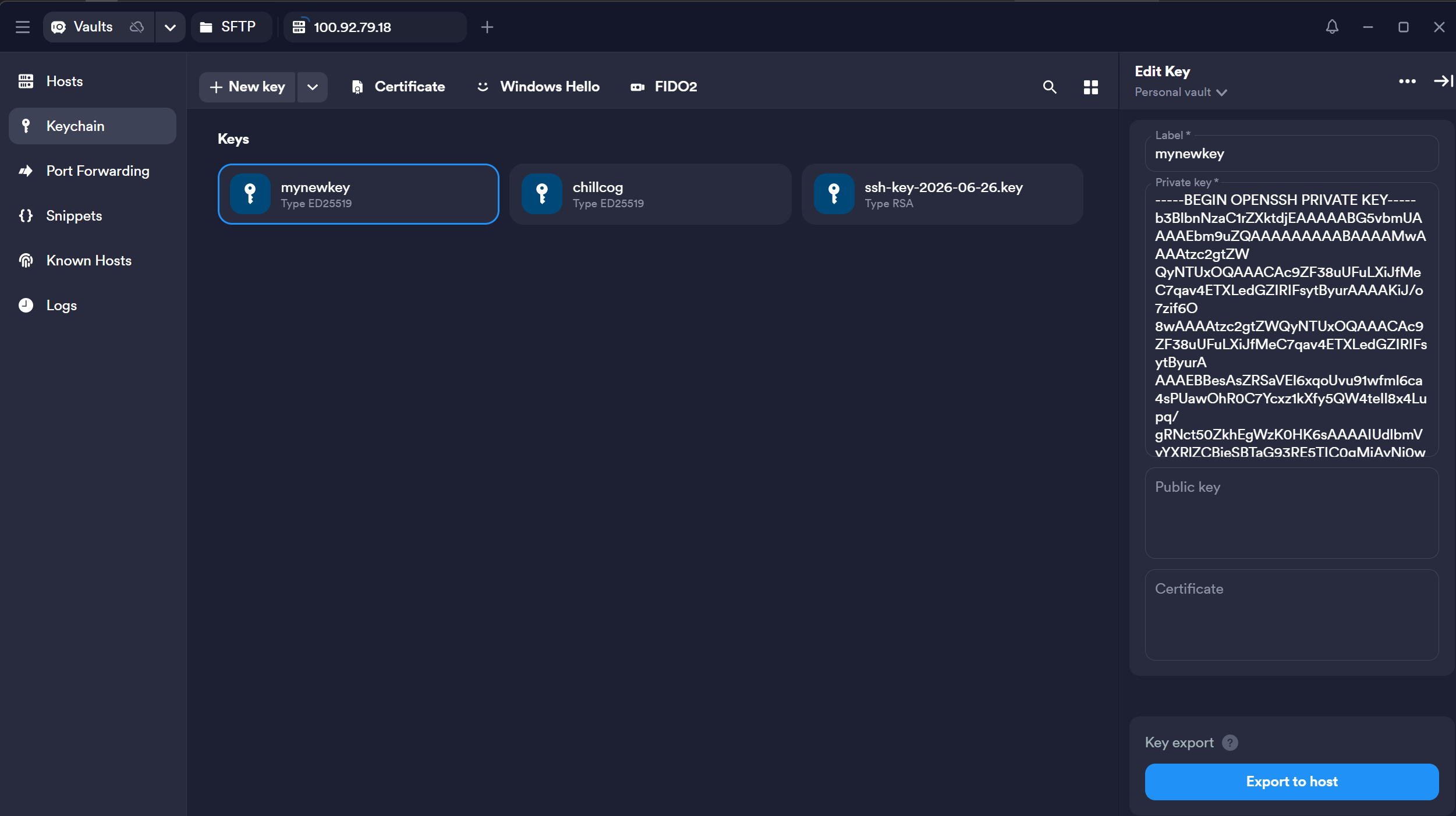
In termius go to keychain and press new key name it whatever and paste that private key into the private key section then when you do that go back to the hosts tab
-
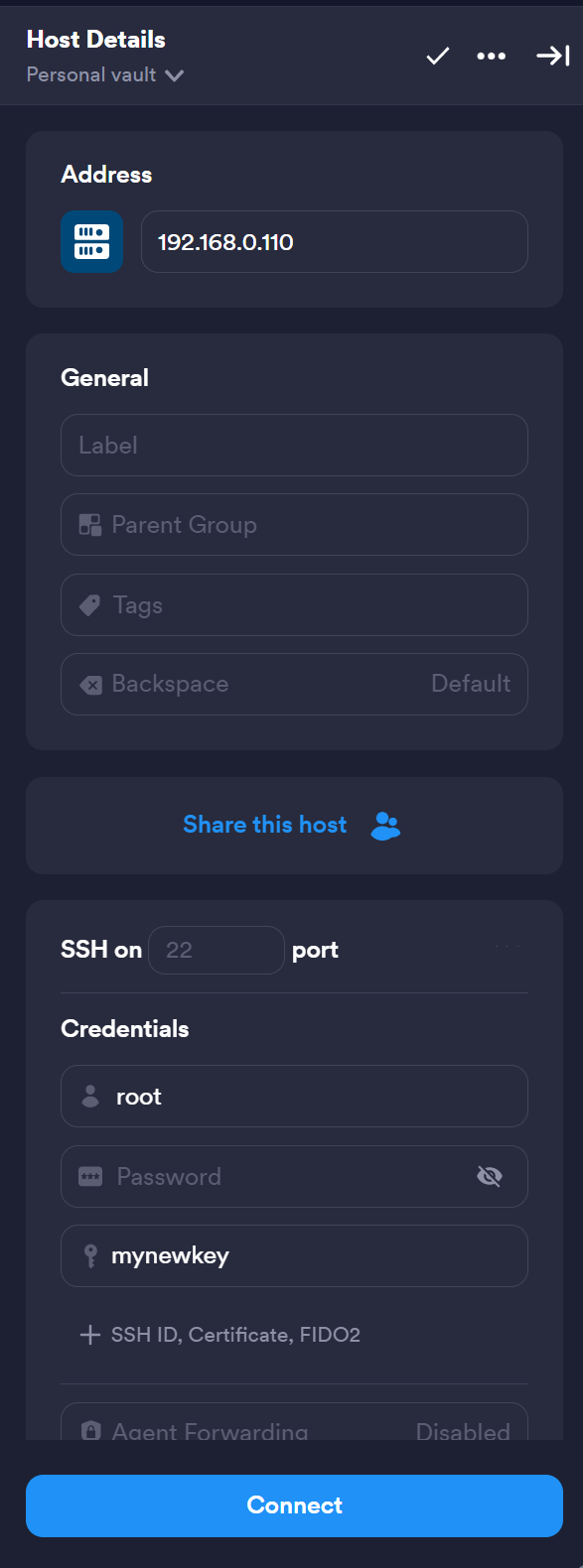
Make a new host set the ip you saved from the printer earlier into the ip/hostname area set the username to root and select the key you just created as authorization. Then press connect.
-
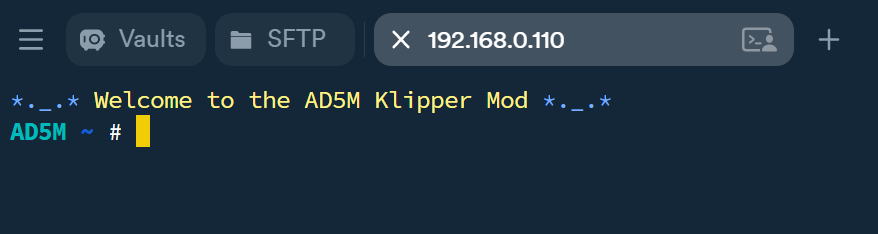
Now you are now connected to ssh
-
There is only a few commands we need to do


chmod +x /etc/init.d/S99tailscale
/etc/init.d/S99tailscale start
tailscale up
and there you go you are all set after you login with the link it gives you 
- You should see the device in your tailscale now! You can do
tailscale ipto see your printer's ip.

Feature Overview
- Klipper 0.13 ‒ improved configuration and default macros
- Moonraker on port 7125
- Mainsail on port 4000
- Fluidd on port 4001
- KlipperScreen ‒ separate build variant
- Guppyscreen ‒ separate preview build variant
- Camera streaming via ustreamer on port 8080
- Moonraker-timelapse support
- Network access: Ethernet LAN and WiFi via iwd
- Customized Linux environment based on Buildroot
- SSH root access. Login:
root, Password:klipper - Audio via buzzer (can play simple Midis)
- LCD backlight control
- Automatic USB flash drive mounting
- Automatic MCU firmware update for updated klipper
- "Dual boot" with stock Flashforge software
Optional Features
You can use other features of tailscale by using the tailscale flags for example:
- SSH
tailscale set --ssh - Subnets Look here